
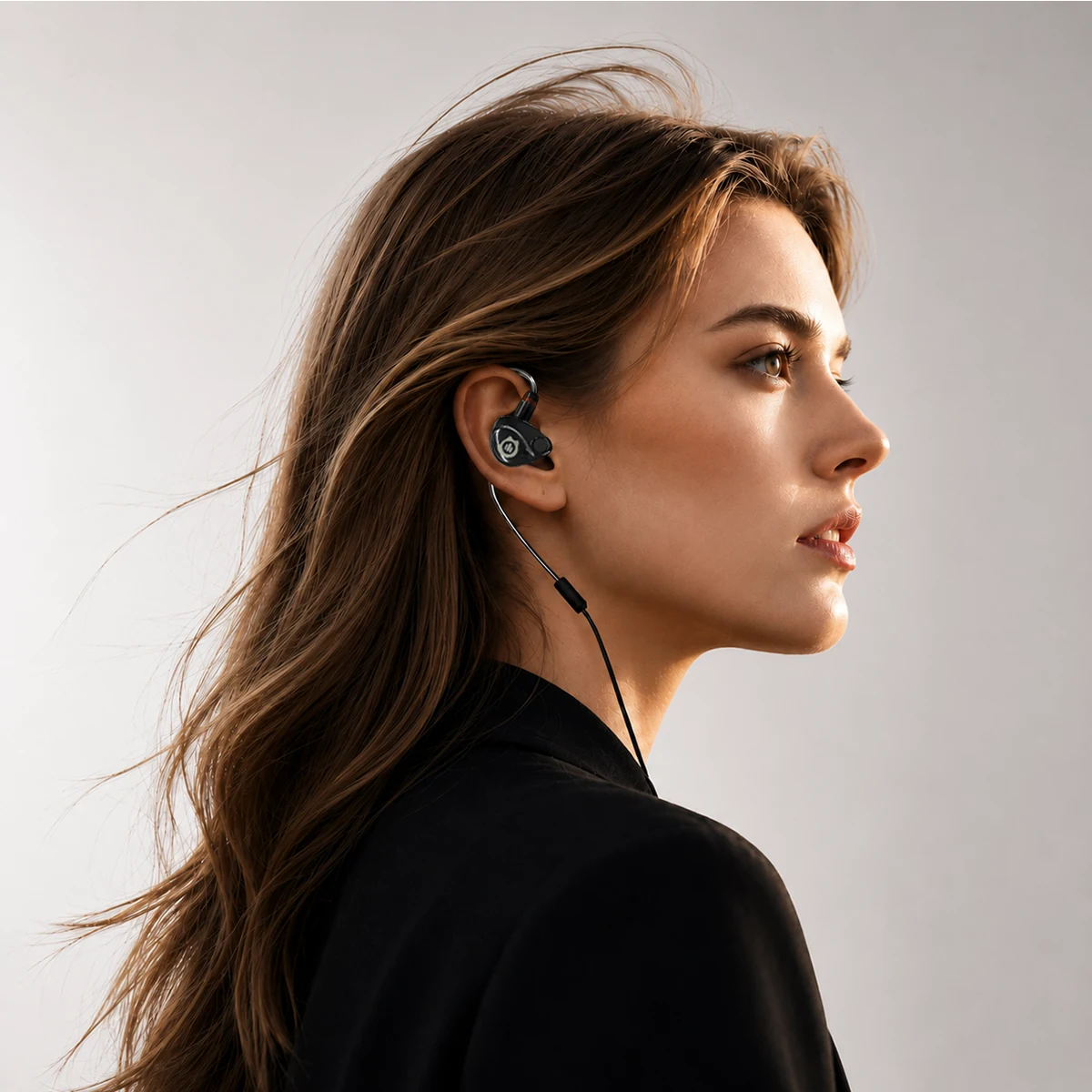
The Voice Changer Built into Your Earbuds
Plug & Play. First Mobile Real-time AI voice changing for gaming, streaming, calls.
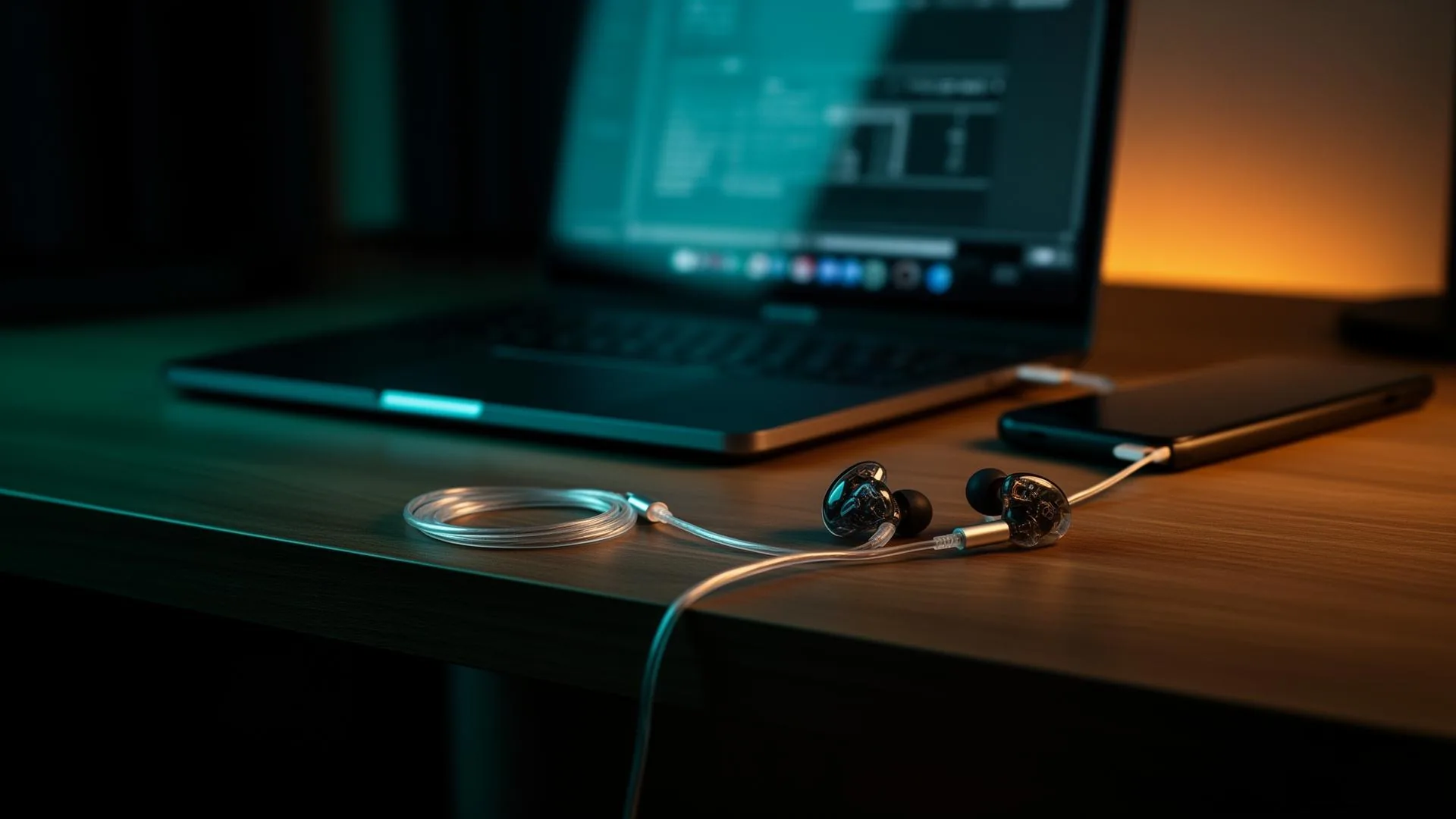
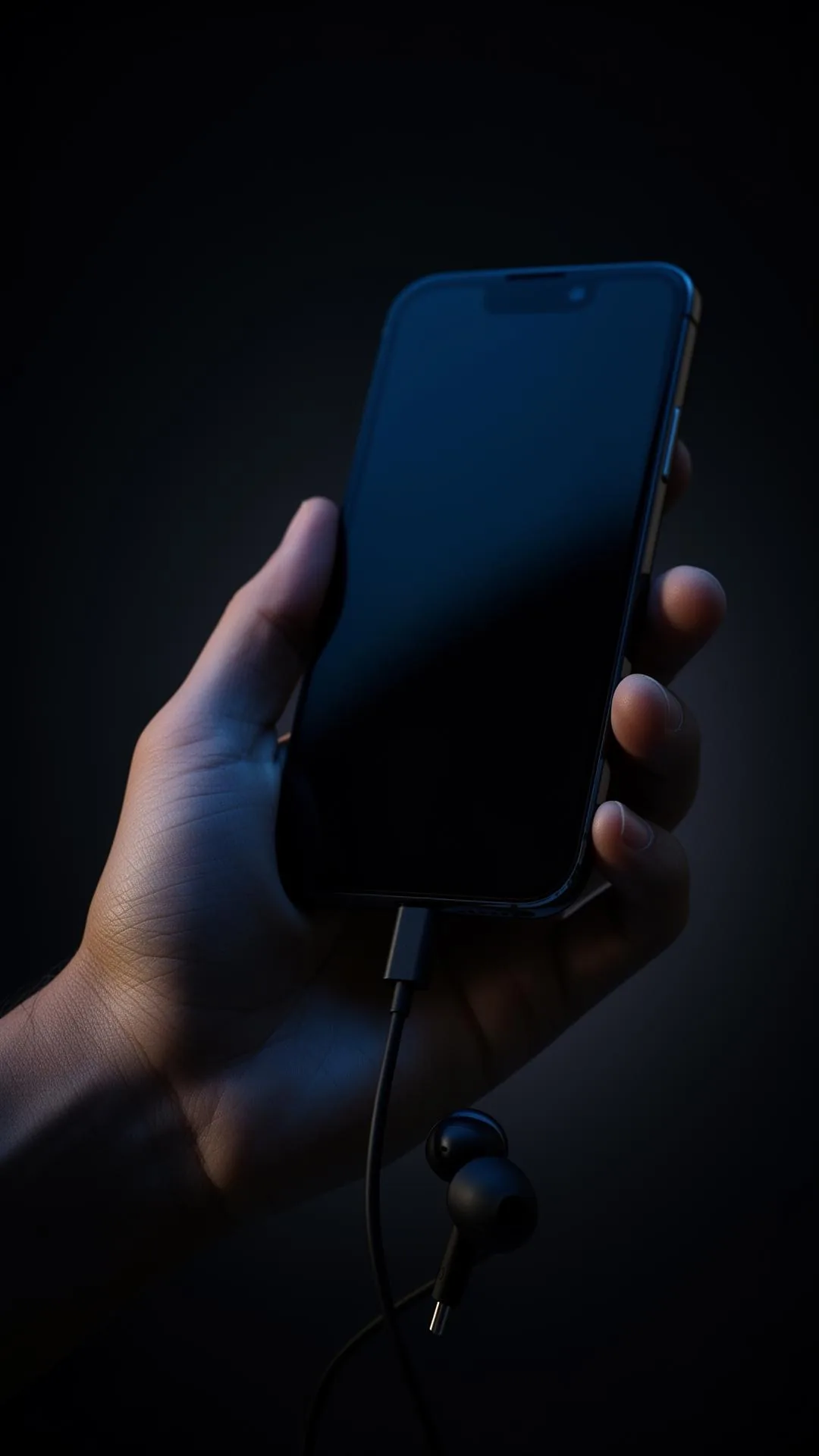
Plug. Speak. Become.
One USB-C cable, any device, any voice. No pairing, no latency.
Studio-grade Clarity.
Dual-driver acoustics and an in-line mic engineered for voice work.
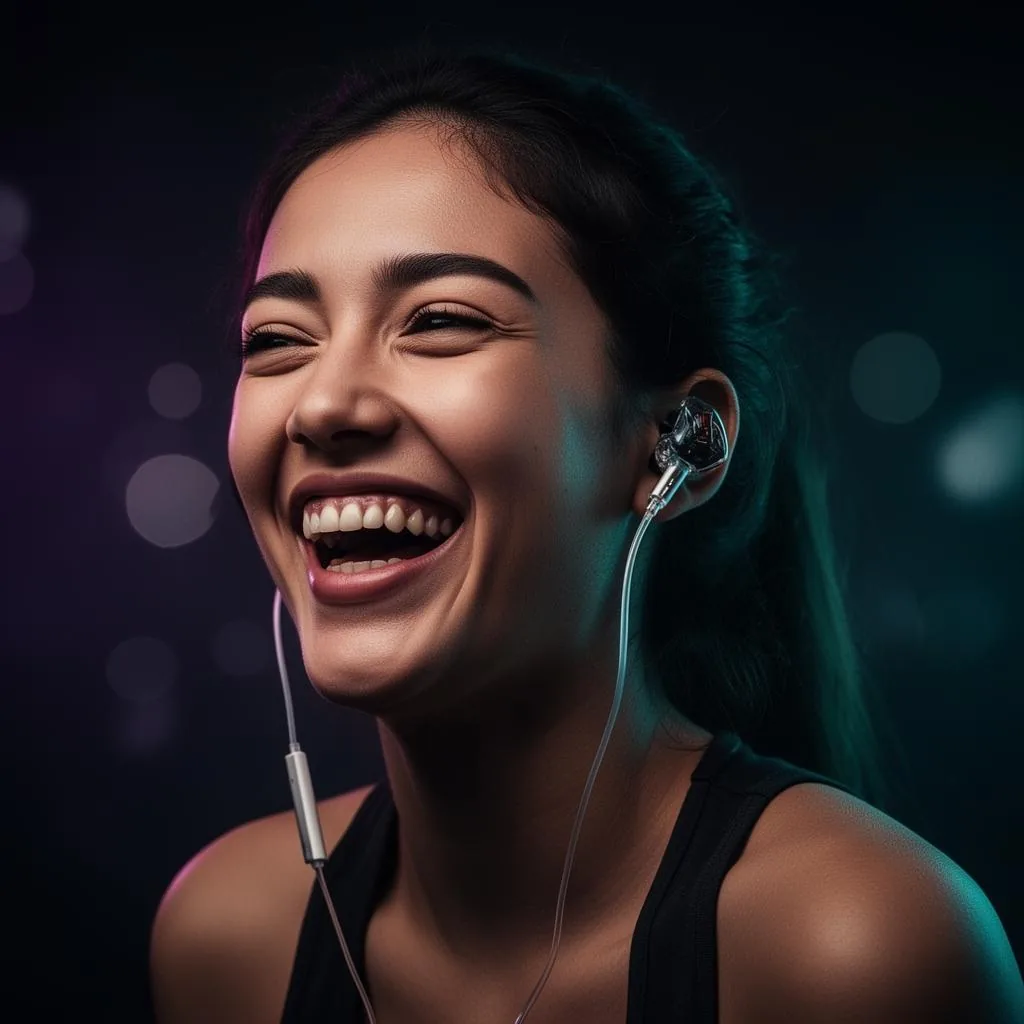
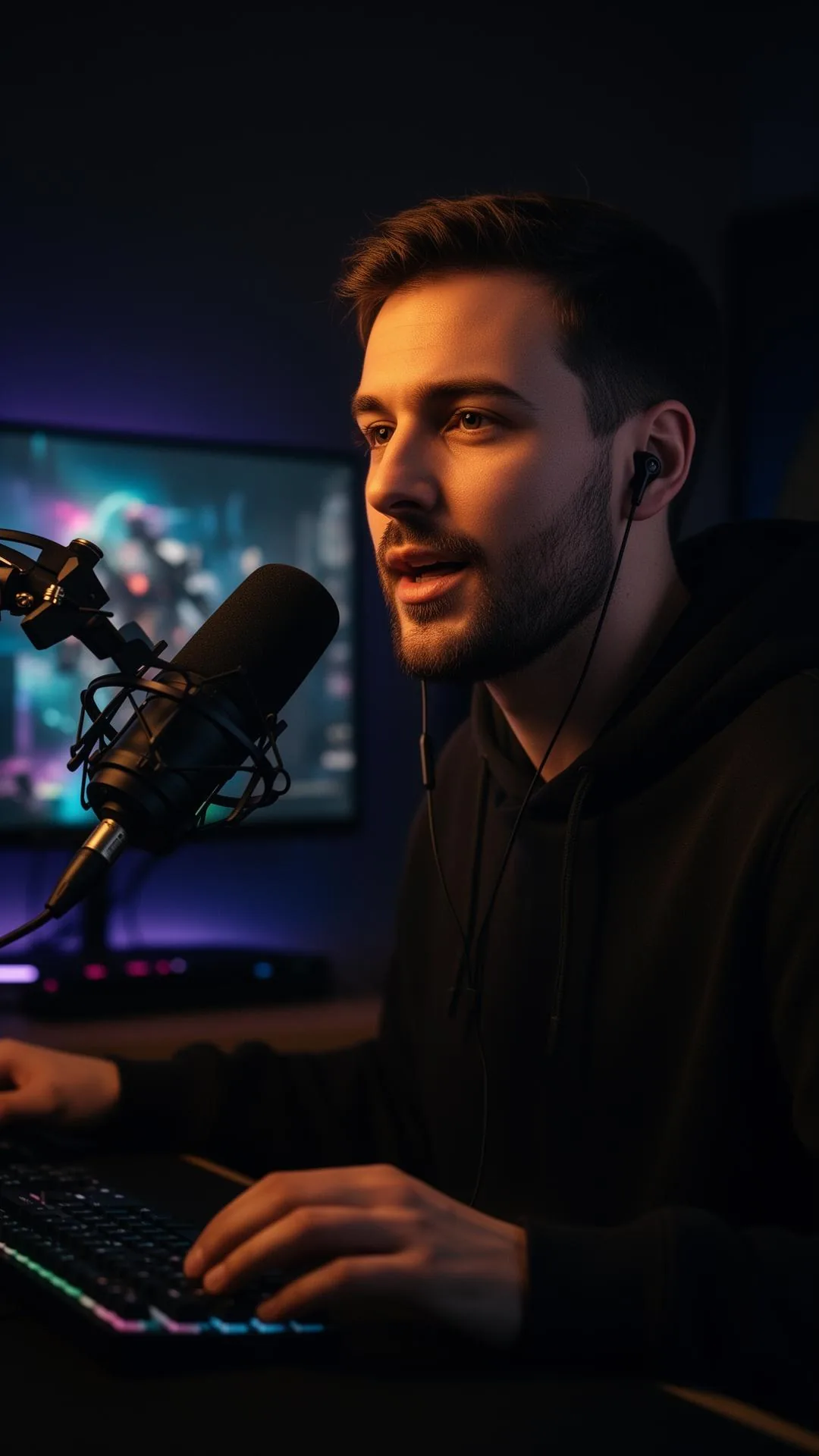
Made for Creators.
Gaming, streaming, calls — switch personas the moment you speak.
From Box to Broadcast in Under a Minute
 01
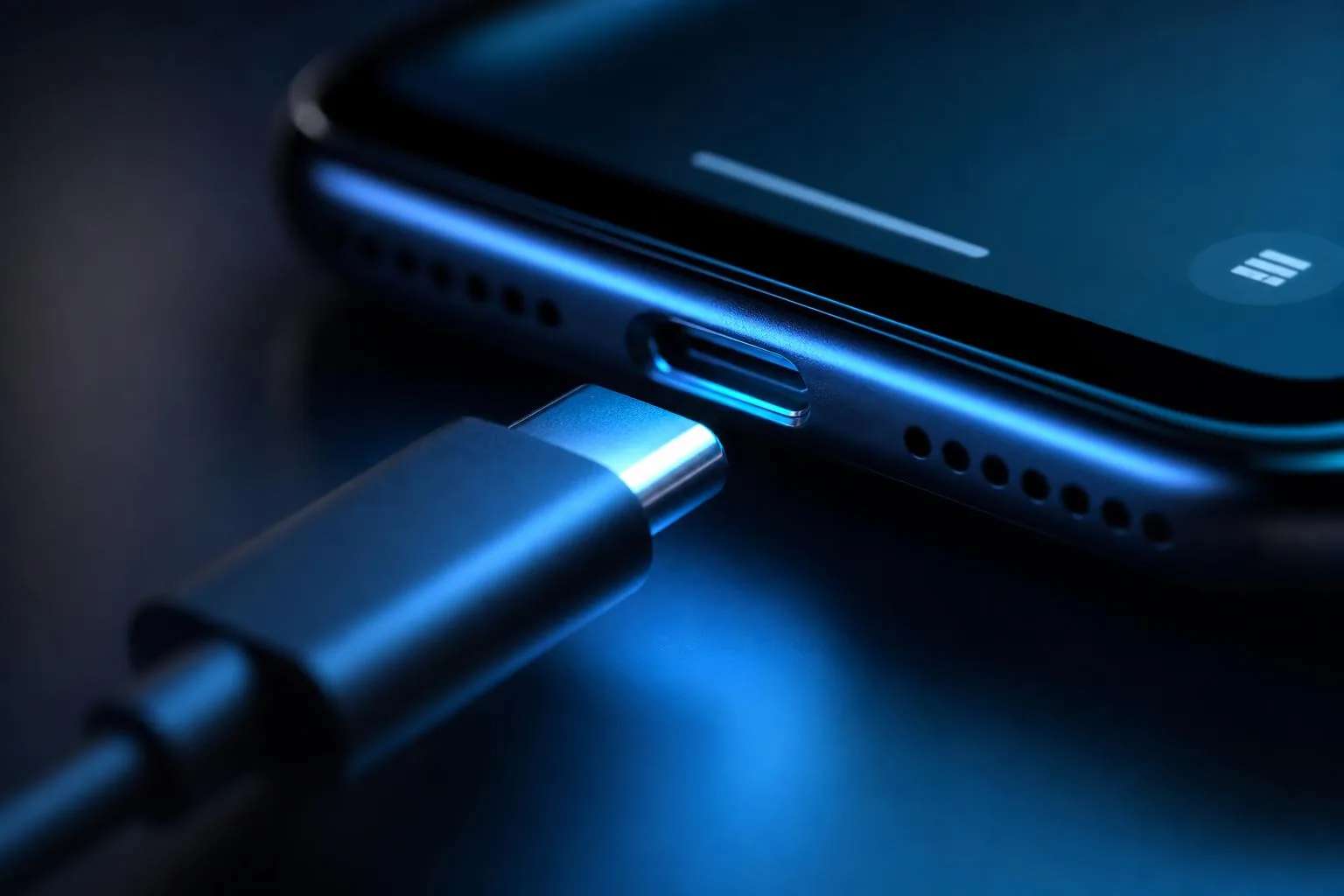
01Plug in USB-C
Insert the Type-C connector into your phone or handheld. Audio switches automatically.
 02
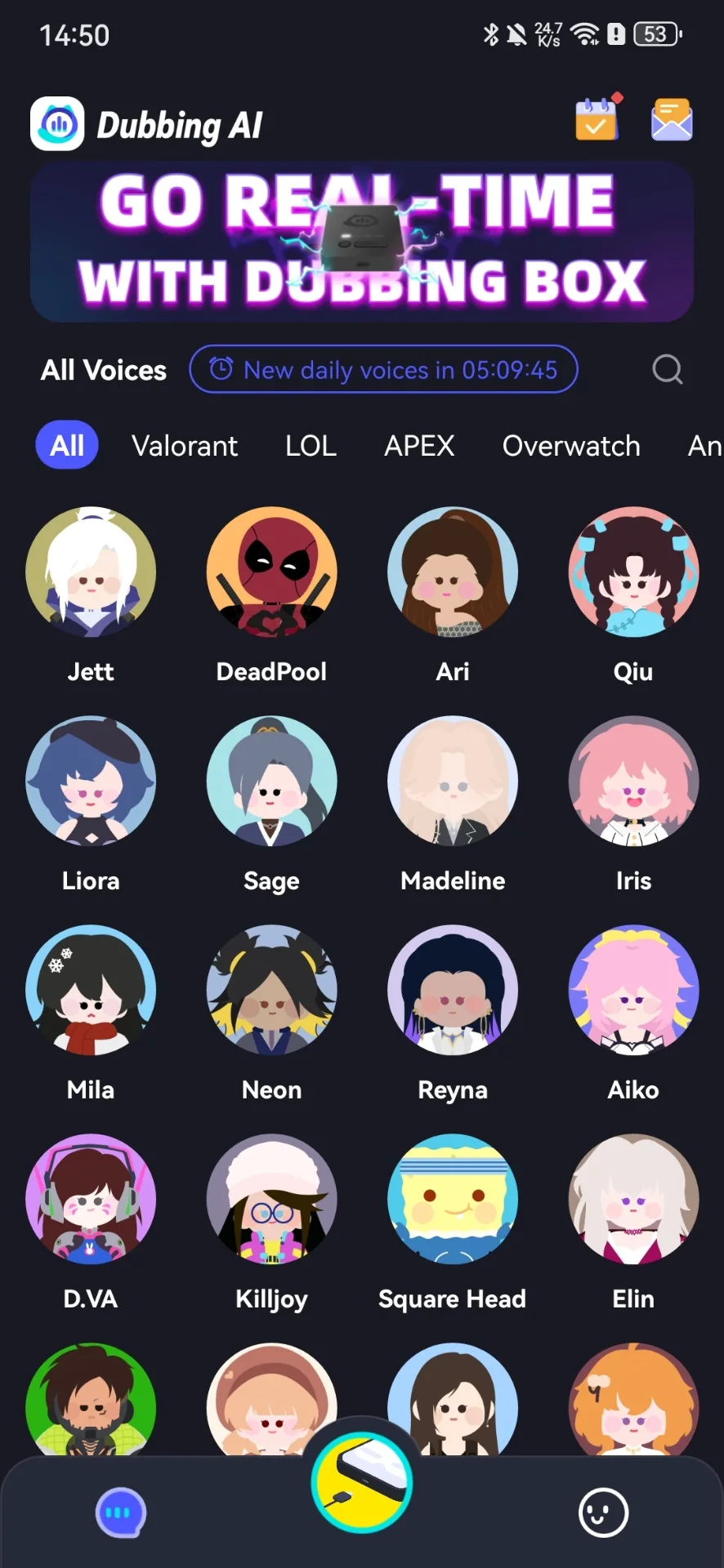
02Open the Dubbing AI app
Download from the App Store or Google Play. Confirm the pairing request to unlock all voice features.
 03
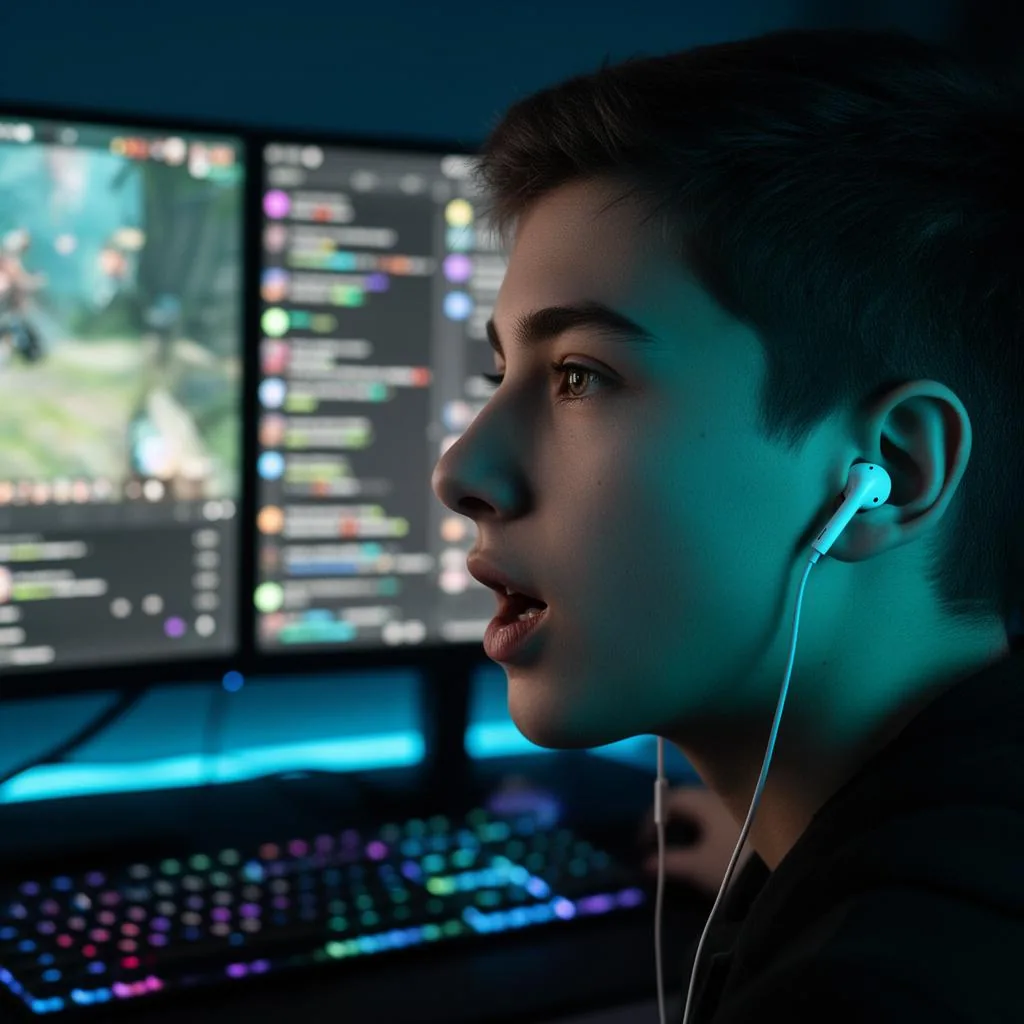
03Pick a voice and go live
Choose from the voice library, toggle monitor on, and start streaming, gaming, or calling.
One Pair. Every Room You Talk in.
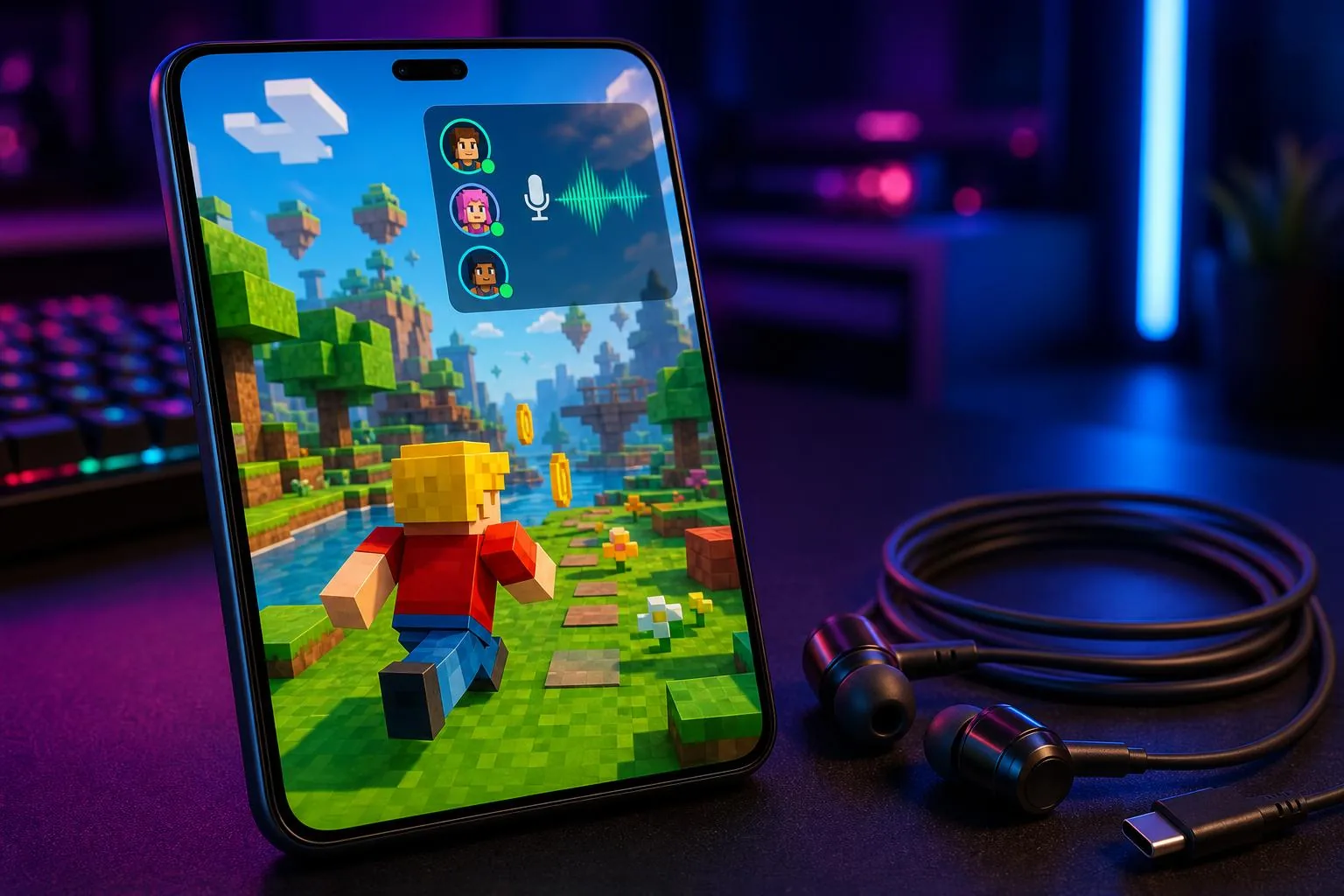
Gaming
Become the character. Low-latency voice change for Discord, in-game voice, and party chat.
Learn more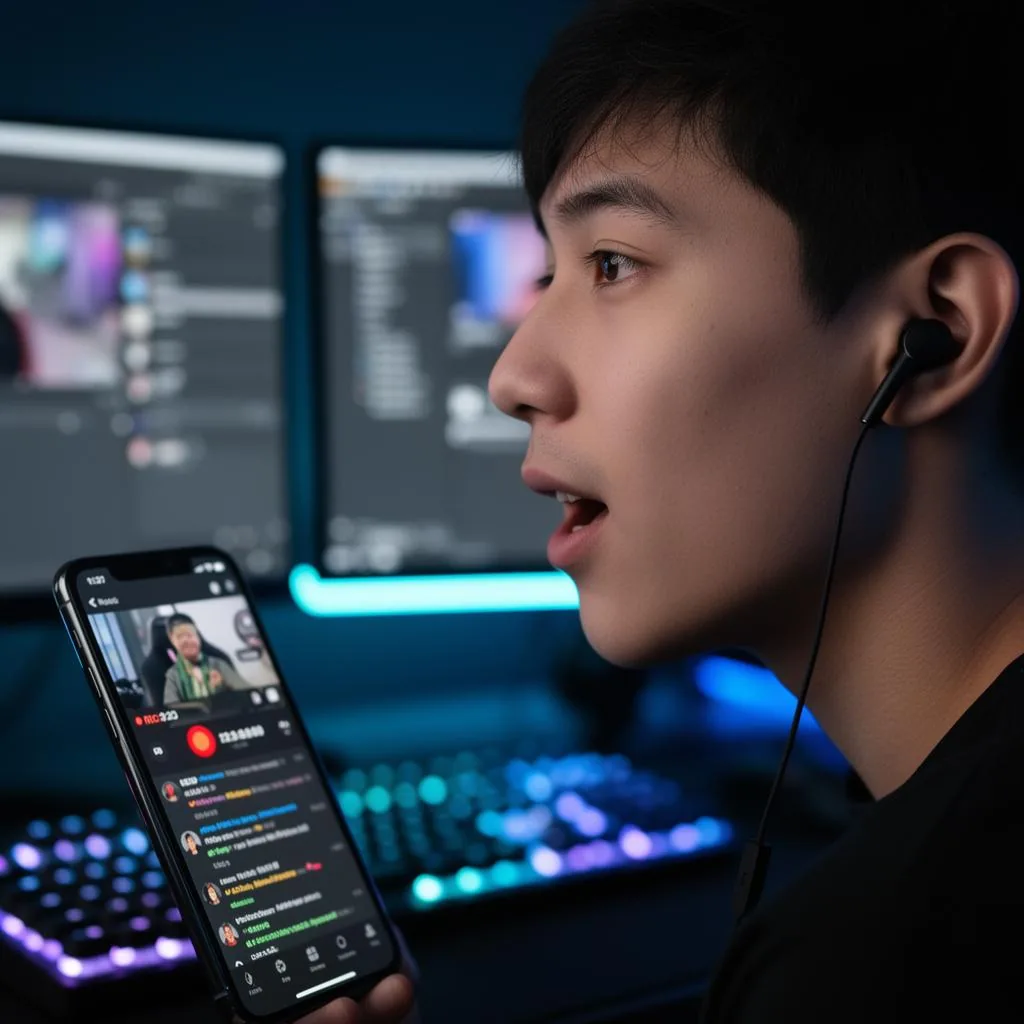
Live streaming
Switch personas mid-stream. Compatible with OBS, Streamlabs, and major mobile streaming apps.
Learn more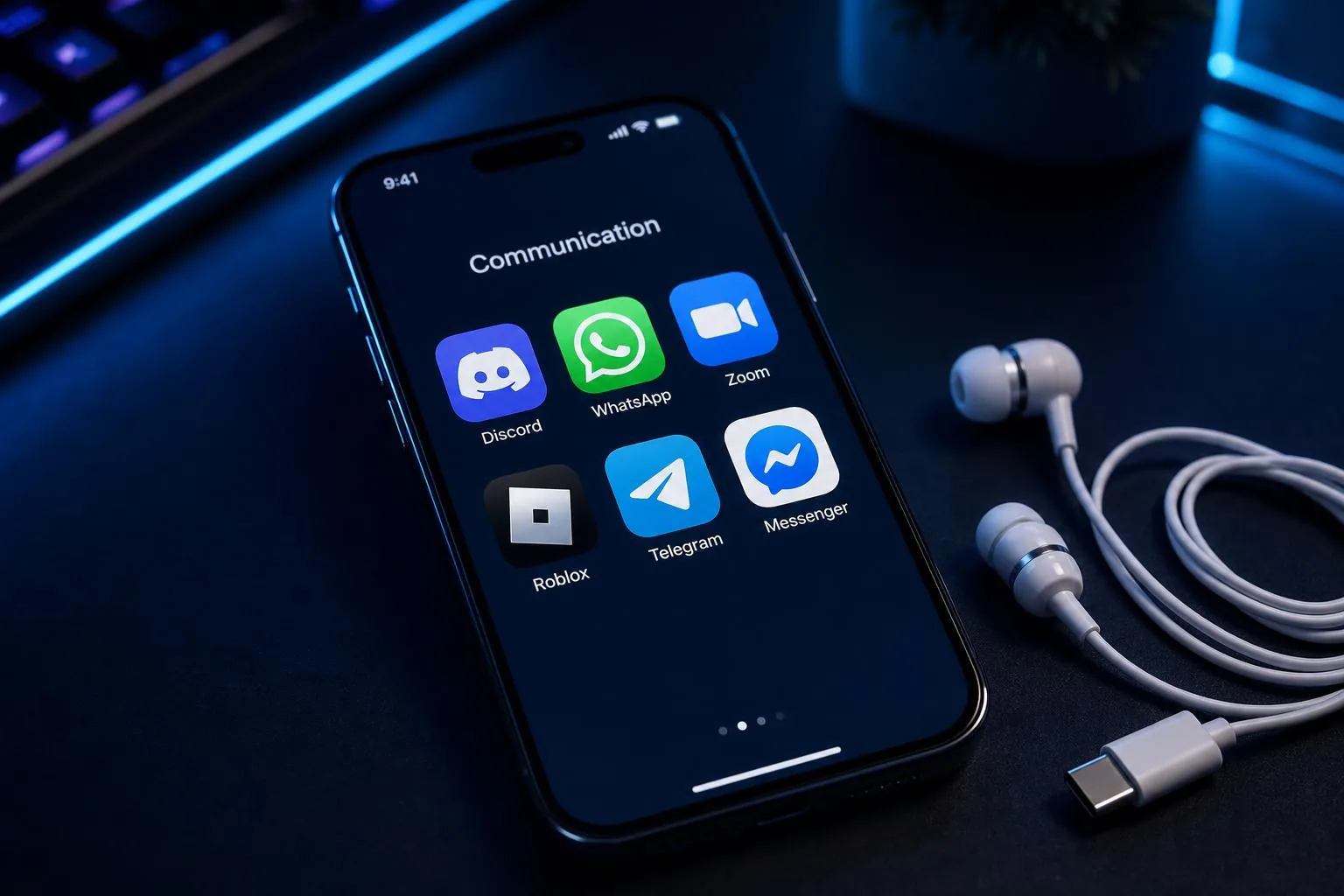
Voice chat
Prank your friends, try new personas, or just stay anonymous. All the fun in one package.
Learn more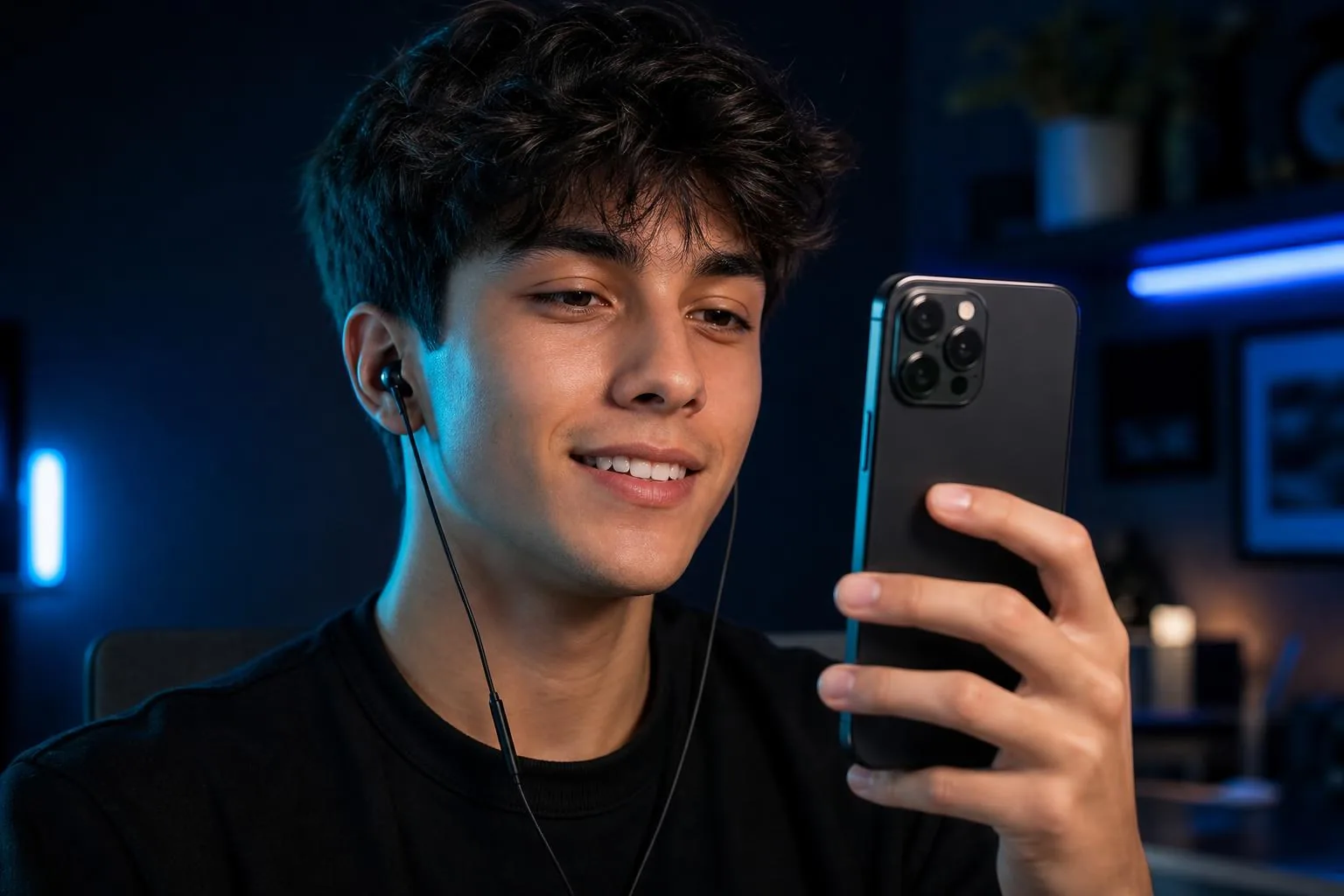
Daily calls
Crystal clear microphone clarity for everyday calls when you don't need the voice changer on.
Learn more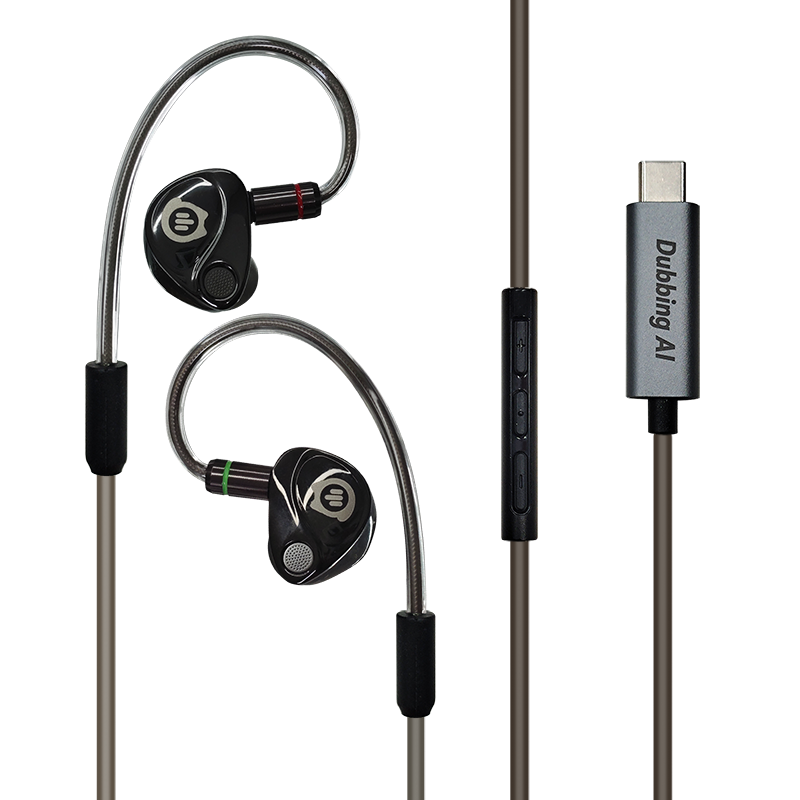
Specifications
What's Inside the Shell
- Driver
- Dual-driver (dynamic + balanced armature)
- Microphone
- Integrated in-line mic with monitor toggle
- Connector
- USB Type-C, plug & play
- Cable
- Detachable, L/R color-coded (green / red)
- Wear style
- Over-ear, in-ear seal
- Ear tips
- 3 sizes included (S / M / L)
- Controls
- In-line: volume, play/pause, call
- Compatibility
- Android, iPhone(USB-C), iPad (USB-C)
In the box
- • Wired AI earbuds × 1
- • Protective storage pouch × 1
- • Replacement ear tips × 3 pairs
- • User manual × 1
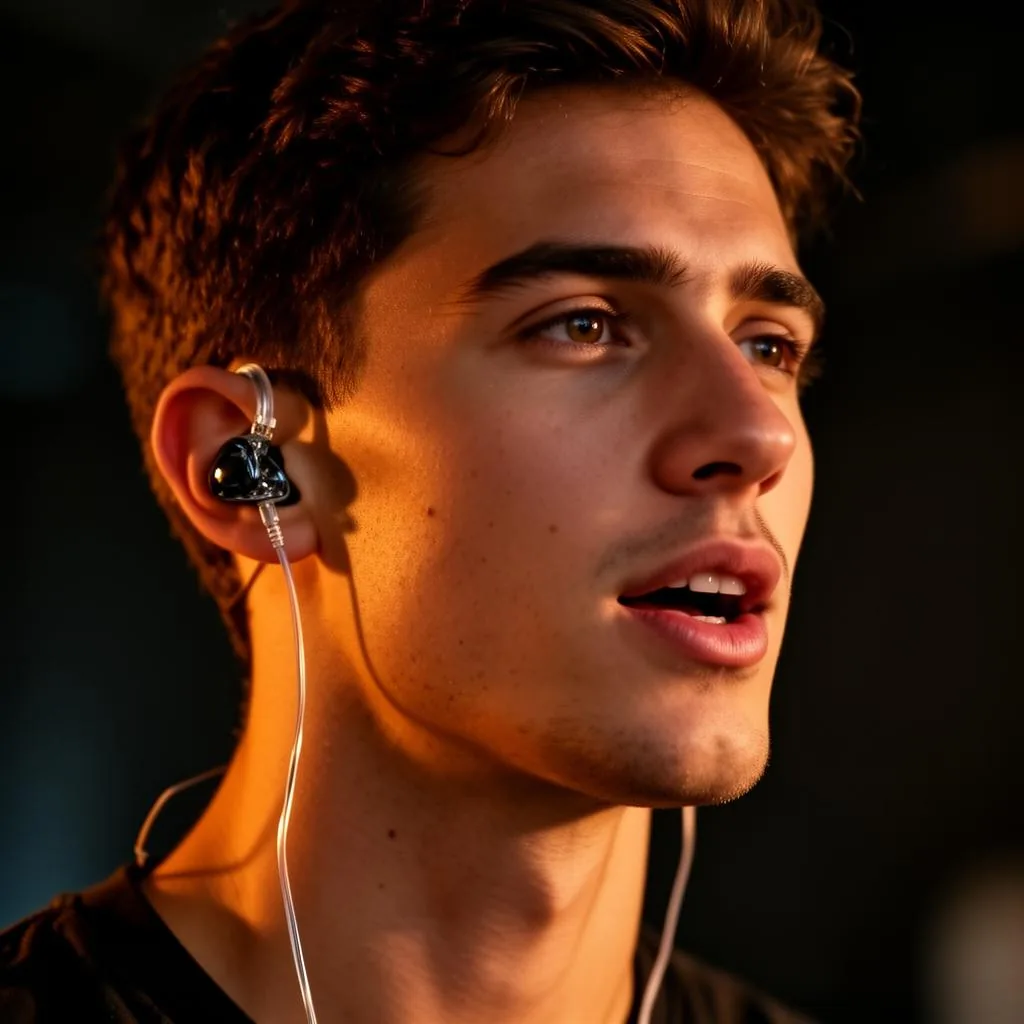
Cinematic deep voice active
Real-time Voice Changing
No lag. No post-processing. Speak into the mic and hear your transformed voice in real time — exactly as your audience hears it. The built-in microphone lets you perfect your performance live.
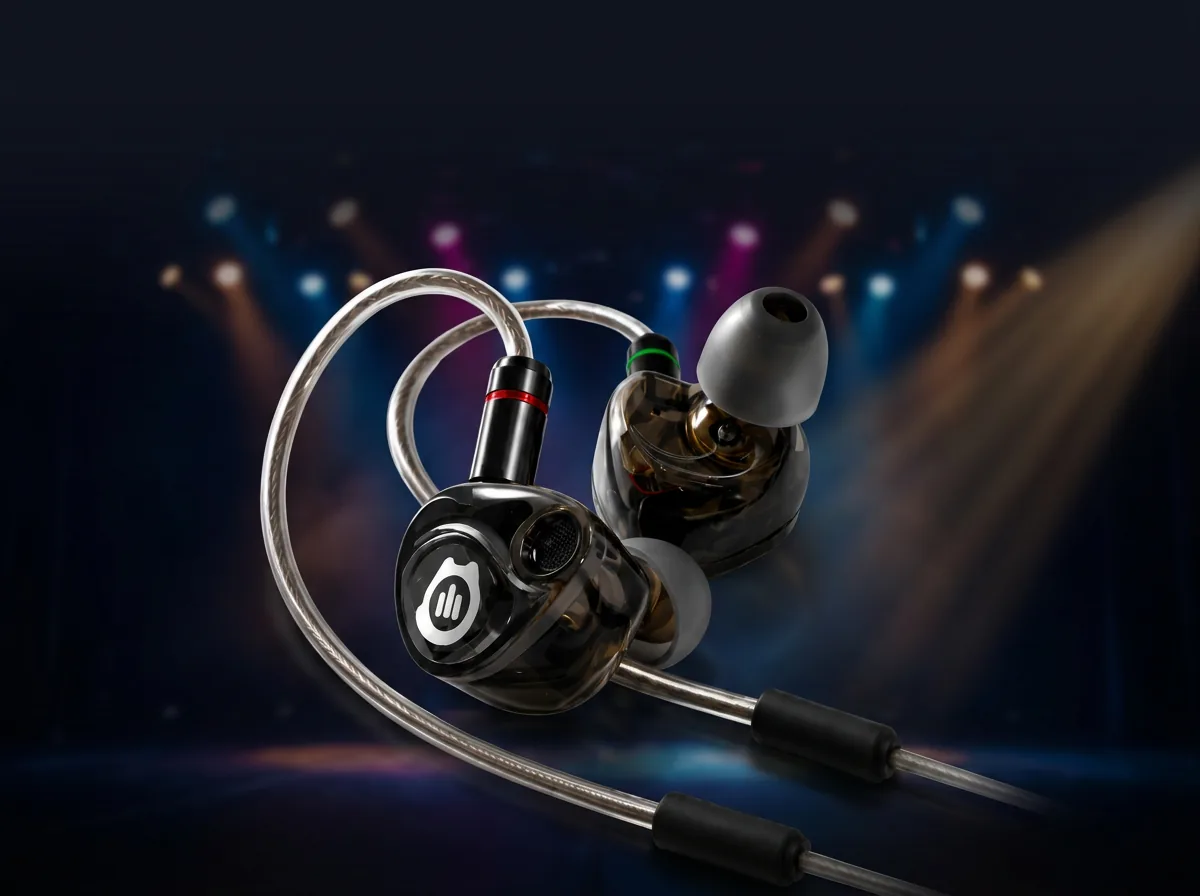
Cinematic · Anime · Radio host
500+ Professional Voice Library
Any voice you want, one tap away. From deep cinematic villains to bright anime characters, warm radio hosts to robotic sci-fi personas. 500+ professionally tuned voices, constantly updated. Switch between them mid-stream with a single tap.
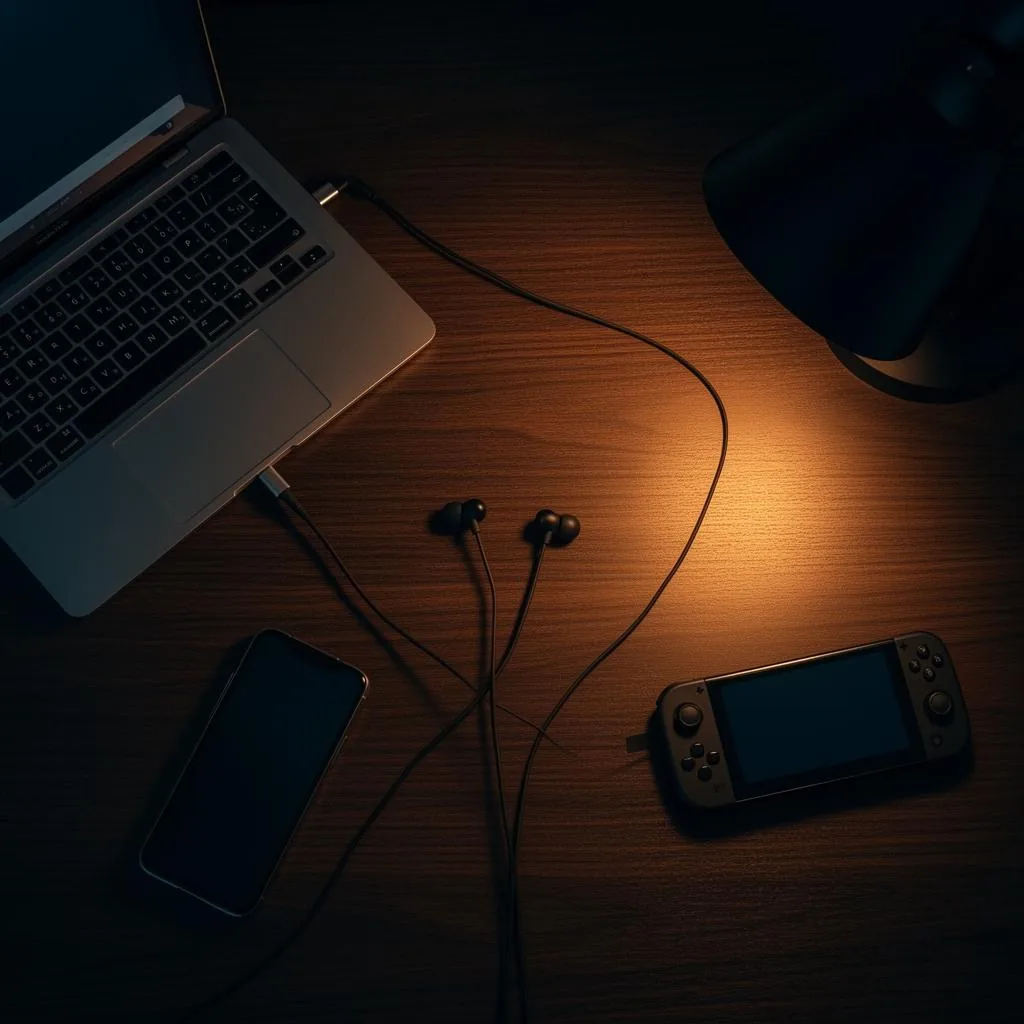
Discord · OBS · Zoom · In-game
One Pair, Everywhere You Talk
Works natively across every platform you use: Discord voice chat, OBS/Streamlabs streaming, Zoom meetings, and all in-game voice systems. Plug in once, use everywhere.
Frequently Asked Questions
What devices are the earbuds compatible with?+
Any device with a USB Type-C audio port — Android phones, iPhone (USB-C), iPad (USB-C), and most handheld consoles. Audio switches automatically on connection.
Do I need the Dubbing AI app?+
The earbuds work as standard wired headphones out of the box. The Dubbing AI app unlocks real-time voice changing, the monitor toggle, the voice library, and advanced audio settings.
Can I use Dubbing Earbuds as regular headphones?+
Yes. Plug in via USB-C and they work as standard wired earbuds for music, calls, and video — no app, no setup, no account required. The Dubbing AI features are optional and only activate when the app is running.
Which apps do the earbuds work with?+
Any app that uses your system microphone — Zoom, Discord, WhatsApp, Microsoft Teams, Google Meet, Roblox, Fortnite, Valorant, OBS, TikTok Live, and more. Because voice changing happens at the system audio level, no per-app integration is needed.
Do I need to buy voices separately?+
No purchase is required to get started. The Dubbing AI app includes 8 free voices out of the box. An optional in-app subscription unlocks the full voice library and advanced effects.
How are Dubbing AI Earbuds different from traditional voice-changing hardware?+
Traditional voice changers rely on fixed DSP presets baked into the hardware — pitch shifts and robotic effects that sound obviously processed. Dubbing AI Earbuds run real-time neural voice conversion, support a continuously expanding cloud voice library, include live monitoring, and receive firmware and model updates over the air.
More questions? Email [email protected] or join our Discord.
Get Your Dubbing AI Earbuds Today
Order from the official Dubbing AI store and start changing your voice in real time, straight from your earbuds.